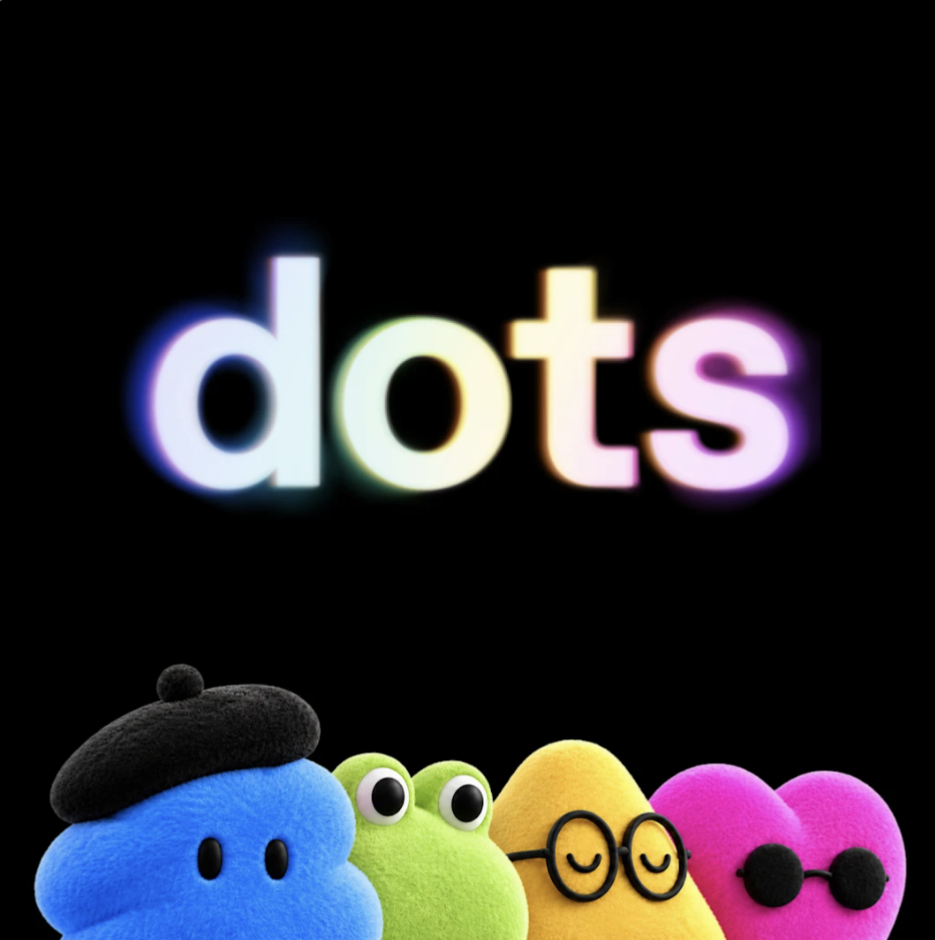
OpenAI’s new always-on agents will read your apps at night and remember what they find. In Europe, the only way in is the business plan.
FROM THE EDITORS
Every sentence ends with one. OpenAI has named its newest product after the smallest mark in the language, and it may be the biggest change to how a small office runs since the shared inbox.
Dots, launched today, are always-on agents. Each one runs on GPT-6 Astra, has its own cloud computer and browser, connects to more than 4,000 apps through plugins, and works toward your goals around the clock. You reach yours in ChatGPT, Slack or Teams, or you simply call it. The more you work together, the more it learns how you like things done.
Look at the example OpenAI chose to make the point. Not a pull request, not a launch plan. An early tester’s dot noticed he had forgotten to invoice a publication, prepared the invoice, and sent it once he approved. That is the work that quietly eats a ten-person firm in Odense or Porto: the invoice nobody sent, the follow-up nobody wrote, the price list nobody updated. OpenAI is selling a colleague who never goes home.
Europe gets the full stop.
Read the help page, not the launch post. On the Pro plan, dots are rolling out in markets excluding the European Economic Area, Switzerland and the UK. A freelancer in Copenhagen paying for Pro is paying for the product and waiting at the border. OpenAI gives no reason. Europeans have learned to read carve-outs like this as the regulatory map, redrawn in product terms.
There is a door, though. Business Premium gets dots across all supported ChatGPT regions, and Enterprise can switch on a beta that starts turned off by default. So Europe’s way in is the business plan. That isn’t bad news. OpenAI doesn’t use Business, Enterprise or Edu workspace content to train its models by default, and a business plan puts a contract where a consumer toggle would otherwise be. For a small company handling customer data, that is the right door. It just isn’t the cheap one.
The night shift.
When you are not working with it, your dot does what OpenAI calls “proactive research.” It goes through the apps you have connected with tools limited to read-only, and it can form memories from what it finds, even when you haven’t asked it anything. Read-only is a real safeguard: the dot can’t send a message, change a file or drive your browser during that time. But “read” is exactly the verb GDPR cares about. A dot reading your shared customer inbox at 3 a.m. is processing personal data, and you are still the controller.
And it doesn’t forget.
This is the line every European business owner should find before connecting anything. According to OpenAI’s help centre, disconnecting an app does not delete what your dot has already taken from it. To delete that, you have to reset the dot, which wipes its conversations, saved memories and scheduled tasks together. So when a customer asks you to erase their data, you can’t remove one customer from your dot. You can only let the whole employee go and hire a new one.
To be fair, the controls are better than most temps get on day one. Custom Rules let you decide per action whether the dot acts alone, acts only when pre-approved, asks first, or hands the task to you. An auto-review checks risky actions against your rules, monitoring can pause a dot that misbehaves, and sensitive jobs such as changing a password always stay with you. OpenAI still says it plainly: dots can make mistakes, so review anything that matters.
The bigger companies get a second track. “Specialist dots” with their own identity and credentials are going into enterprise pilots for procurement, invoice processing and customer support, and OpenAI is working with Microsoft to manage them through Agent 365. That is where OpenAI sees the money. For small firms, the story is the single primary dot, and what you let it see.
Before your dot starts the night shift:
- Go in through Business Premium, not Pro. In Europe it’s the only way in anyway, and it comes with no training on your data by default. Read the data processing terms before you connect anything.
- Connect the least first. Calendar and project tools before the shared customer inbox. Every app you connect is something the dot can read at night.
- Write the Custom Rules before the first task. Anything that sends, pays or shares should be set to ask first.
- Keep a log of what you connected and when. Disconnecting doesn’t delete. An erasure request means a reset, so know what you’d lose.
- Don’t build a process on a price you haven’t seen. Usage is free for the first month, and OpenAI will announce the terms after that.
A full stop is meant to end the sentence. Dots are built never to stop. Let yours work the night shift, and decide in daylight what it’s allowed to remember.
Sources
Leave a Reply